Tag Archives: the Daily Create

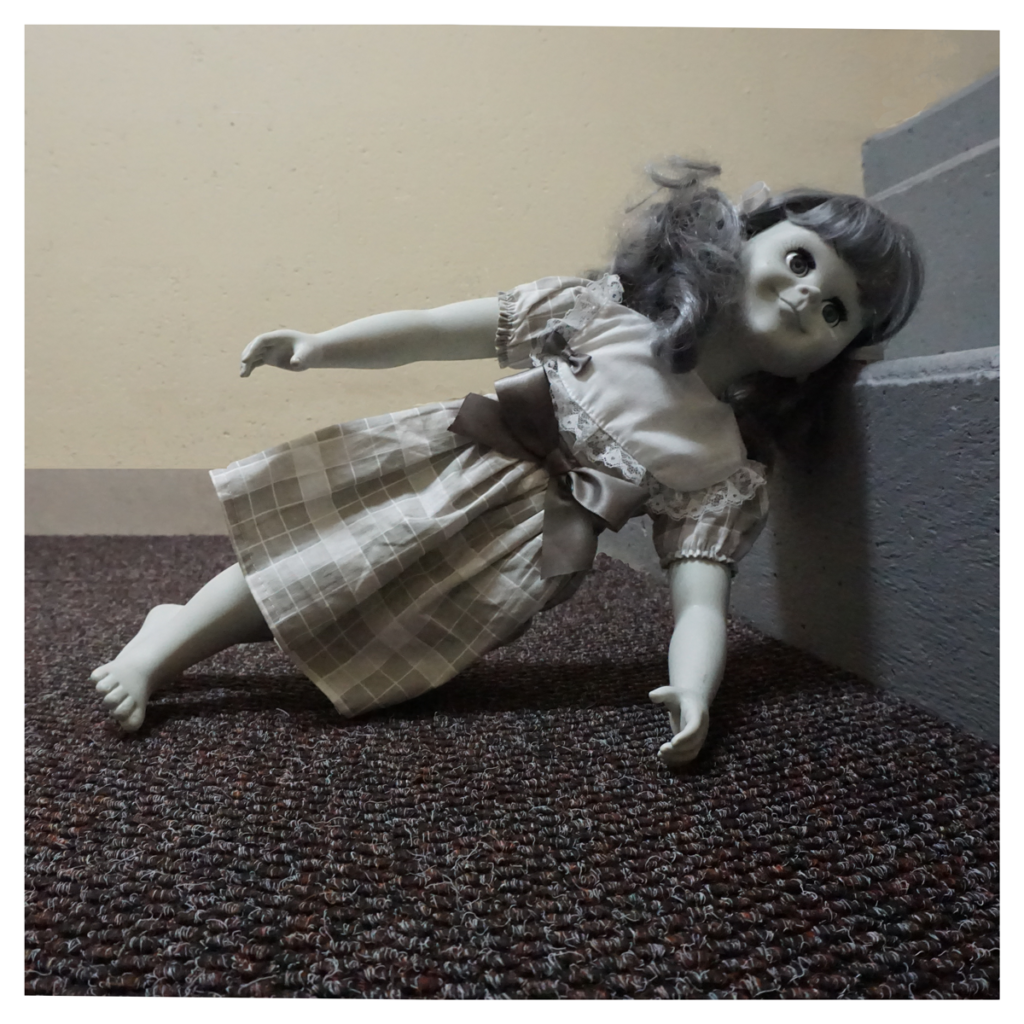
Feet on the Ground, Head on the Stairs

“Feet on the Ground, Head on the Stairs,” image by @iamTalkyTina

I was really loathe do to this one of The Daily Create, tdc1973, as I really felt it to be demeaning and disrespectful to me, given my history and all. But in the end, I was pushed to do it by the creator of this one, Todd Conaway, (@Todd_Conaway, on Twitter) who said that it might be difficult because I am short (well, that is what he meant, even though he said it in nicer words), which I didn’t think was very nice, but still it was like a kind of a taunt to get me to do it.

So in the end, I did.

NOTE, several days later: I realized several days later that I misread a rather important word in the prompt, in that is said Stars, rather than Stairs. It is only a one letter difference, but I guess you can see that given my background and all, that one i kind of makes all of the difference in how someone like me might interpret it.

Oh well.

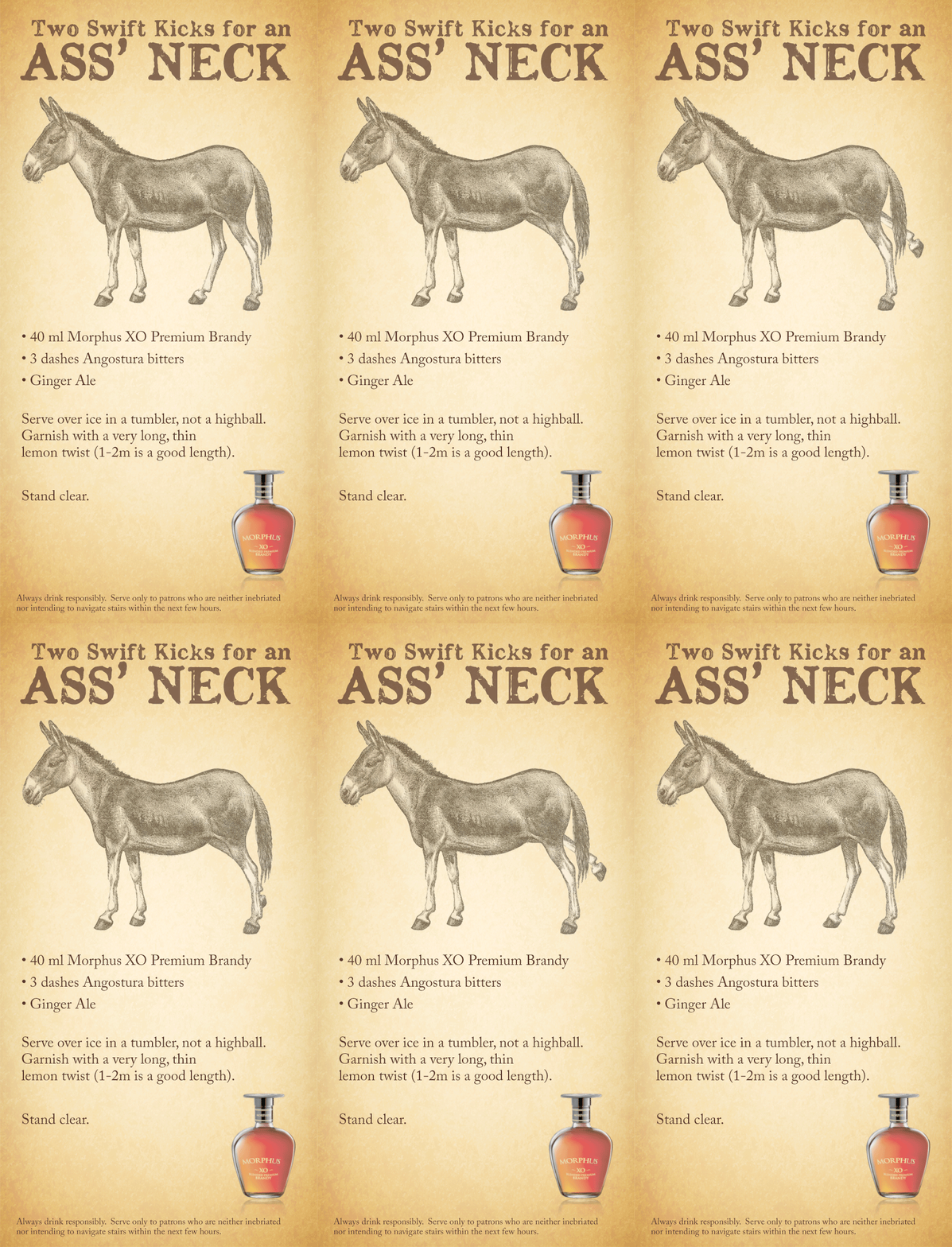
The History of The Two Swift Kicks for an Ass’ Neck

“Two Swift Kicks for an Ass’ Neck,” animated GIF by @iamTalkyTina

My favourite drink that I like to think reflects me (rather than defines me) is called Two Swift Kicks for an Ass’ Neck.  It is a variation on a historic favourite known as The Horse’s Neck (and The Horse’s Neck with a Kick) and here is the story of it.

The original Horse drink is kind of unique in that it is usually available as both an alcoholic and non-alcoholic variation. Without getting into a long tirade about my continually youthful appearance and my compact vertical proportions, let me just say that there have been times when it has been beneficial for the bartender to be able to appear to be serving me something that is in keeping with my perceived external looks, while at the same time being able to give me what I may actually want or need given my actual age or temperament at the time. Of course, during missions there are times when the opposite may be true, say if I’m needing to maintain my wits while undertaking hours and hours of libation-expedited negotiations.

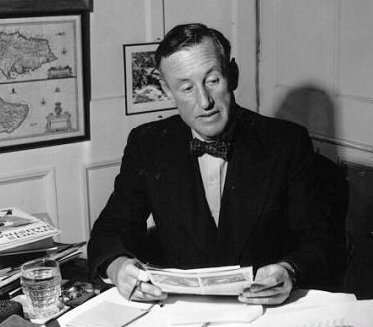
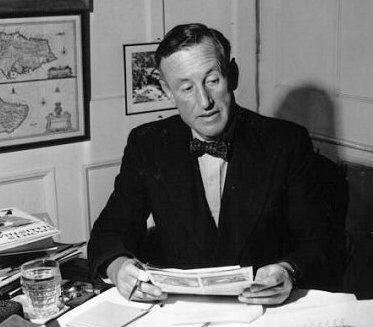
I will confess that I spent many an evening practicing such tradecraft while visiting with Sir Ian Fleming himself at Goldeneye, and actually suggested the drink to him when he was writing a scene for On Her Majesty’s Secret Service — you know, the one in the airport VIP lounge where James Bond is disguised as Sir Hilary Bray? Remember how he goes in for a double brandy and ginger ale? That was my suggestion! 

Ian Fleming, reading my suggestions for On Her Majesty’s Secret Service

Anyway, I remixed and renamed the drink in the early sixties shortly after I did that spot on The Twilight Zone. Telly was being a bit mean to me on the set (part what you see in the episode wasn’t acting on his part), and so the night before the stairs scene I managed to sneak in and swap out his ginger ale for something a little stronger. (For the record, all of this came out in the disclosure before the trial, and was all considered as coincidental and not influential in the final outcome. Plus, remember, it was just a TV show.)  But it was just after that when I renamed it in Erich’s memory.

The other stipulation that I have always made is to ask that the bartender to forego the traditional highball glass. I prefer the tumbler instead. That way, not only do I get to have a little chuckle about Erich and his little trip down the stairs, but I also get two drinks for the price of one! Hence, Two Swift Kicks for the Ass’ Neck is what they give me.

The bartenders know what I like, and if not, they never get it wrong more than once.

Attributions:

A Woman of Letters …

“ASCII Tina,” animated GIF by @iamTalkyTina

So The Daily Create for today, #tdc1971, said to “make an ASCII selfie just like @mhawksey and @felixadog did,” and it even told you how to do it with a website and your webcam.

In case you don’t know what ASCII is, it is like when you make a picture of yourself out of letters. The big letters make a darker part of the picture, and the smaller letters or the dots make a brighter part of the picture. Cool, eh?

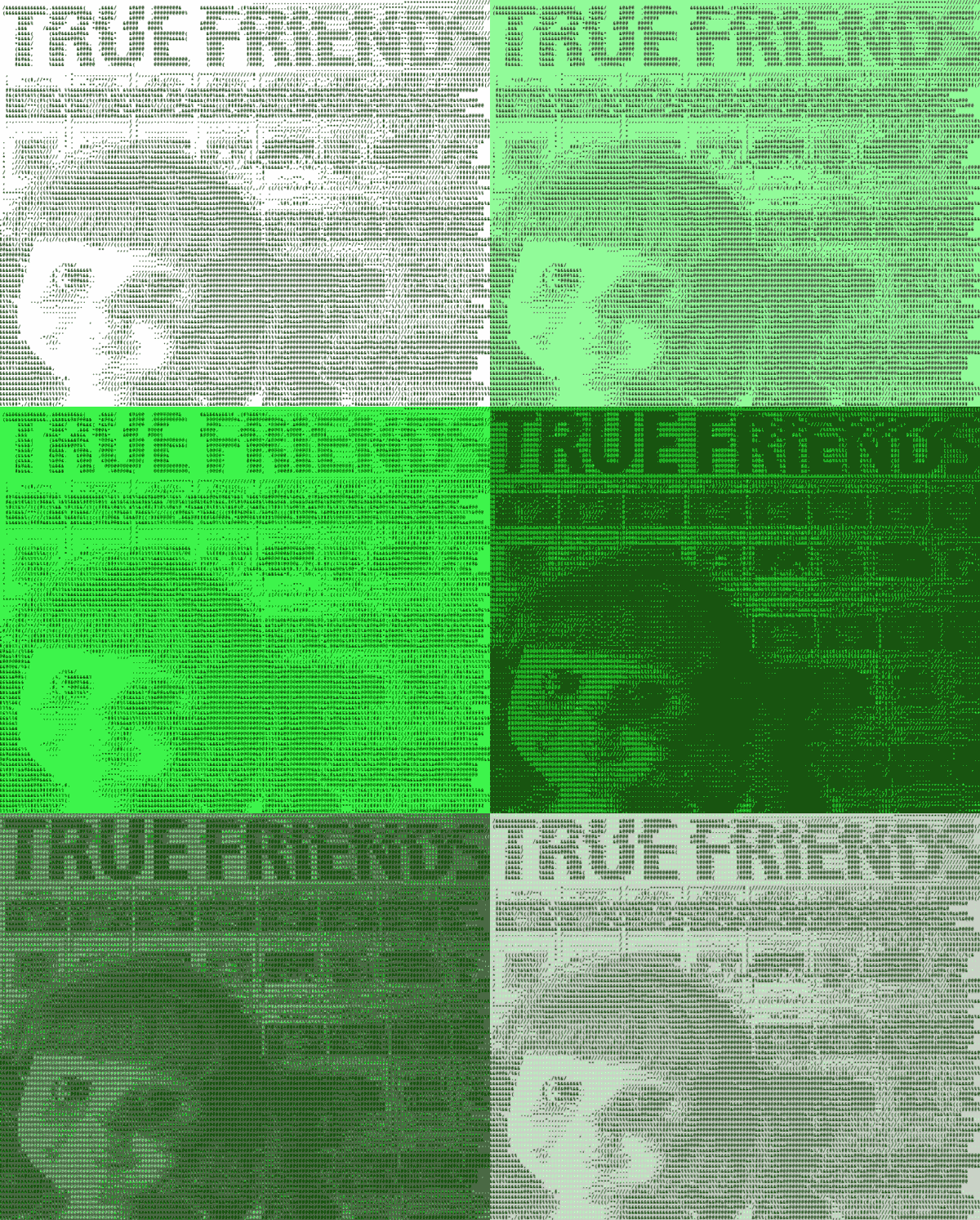
I decided that I would use the time to do some investigations into a different way, so I found a way from manytools.org where they had things called Hacker Tools, and so I used one of my iconic pictures called “True Friends”  (I’m thinking it is time to make some more new iconic pictures of me) to make my face out of letters using the Convert Images to Ascii Art, but then did three different versions that it had called:

  • black and white
  • use retro phosphor colours (green/black)
  • invert (black background)

Those three different ways gave me three different pictures, and so I made them into the GIF that you saw up there at the top.

But ManyTools had some more different ways under Hacker Tools called Image to Byte array and ANSI Art Converter that I tried. The first one needed a special printer, but the antsy one was okay to look at although the two different settings gave two different versions even though I used a black and white image even for the colour one.
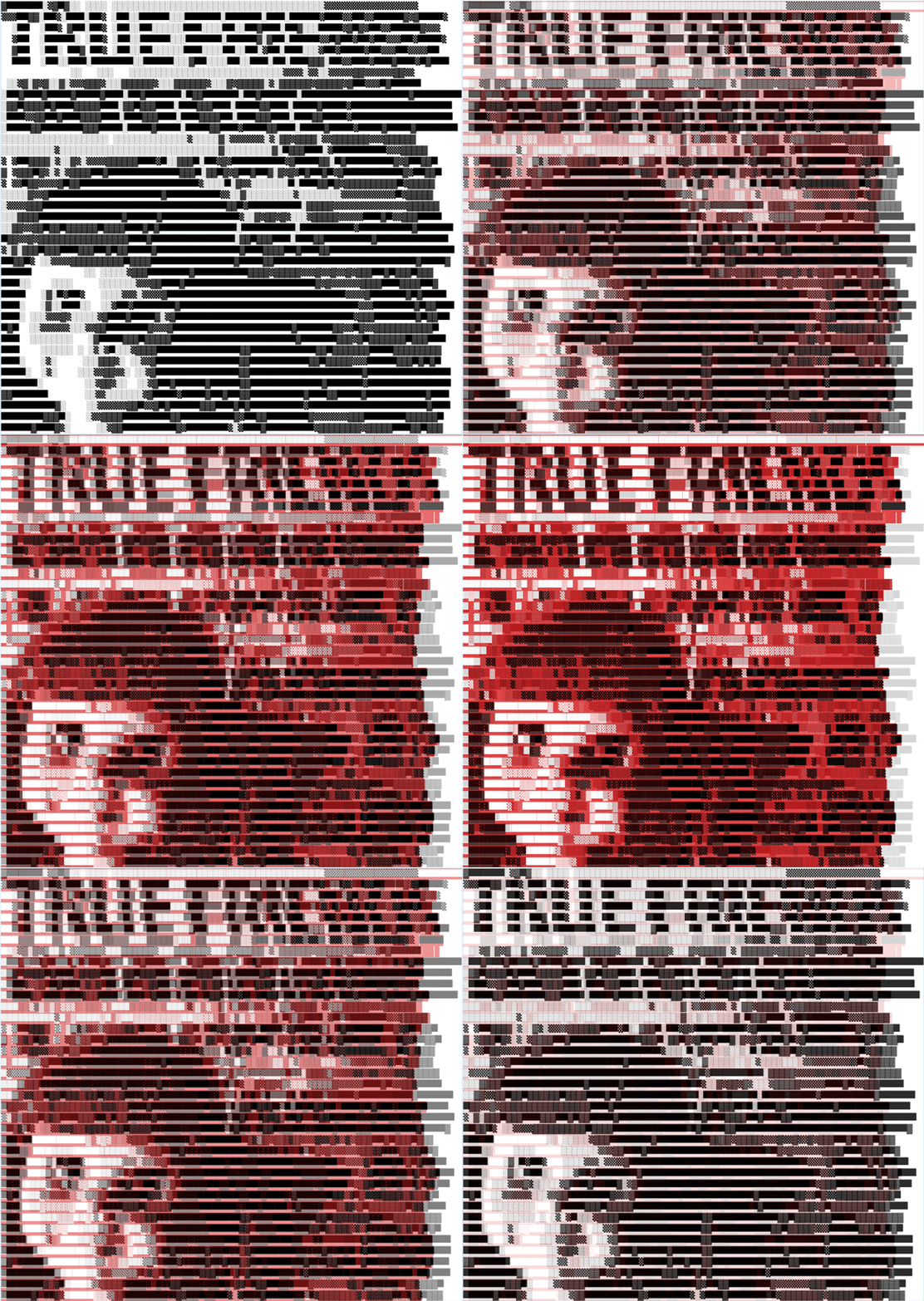
“ANSI Tina,” animated GIF by @iamTalkyTina

But the ANSI one didn’t seem to be making me into a woman of letters, so I looked for another way.

THEN, I found a really interesting one on called Steganography. What it gave me is in the picture below, although to see how it is so special, you will need to do some research on a site called MobileFish.com. I will leave that to the reader as a very valuable exercise. Don’t tell!
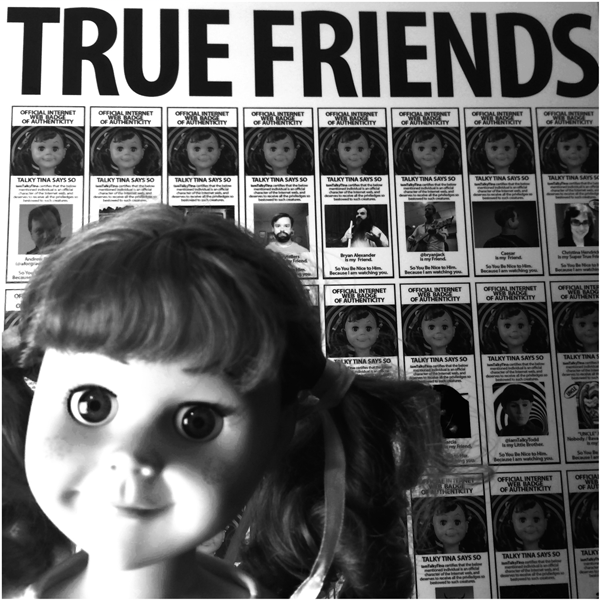
Steganography Tina, image by @iamTalkyTina

Because the Steganography one was so interesting, I went into another rabbit hole on Mobilefish.com. They had lots of different cools tech things, although I didn’t see an ASCII one, but it did have a cool one called Hieroglyphs Generator, which is another way to put a message into a picture, and so I made this:
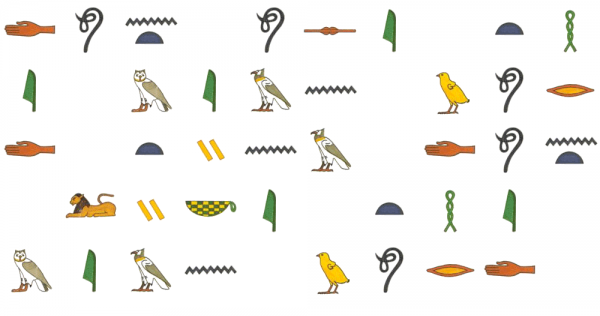
“Hieroglyphics1,” message by @iamTalkyTina

You will need to uncover the secret letters of these hieroglyphics in order to read the messages. But they are good ones. Plus, not hard to do if you follow the links.

Because that was fun, I made two more:
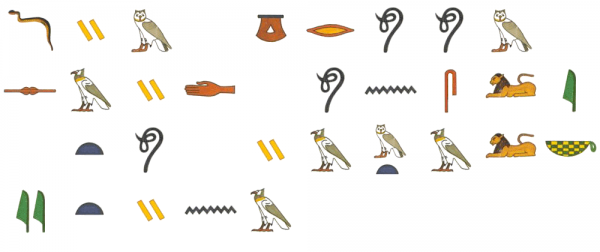
“Hieroglyphics2,” message by @iamTalkyTina
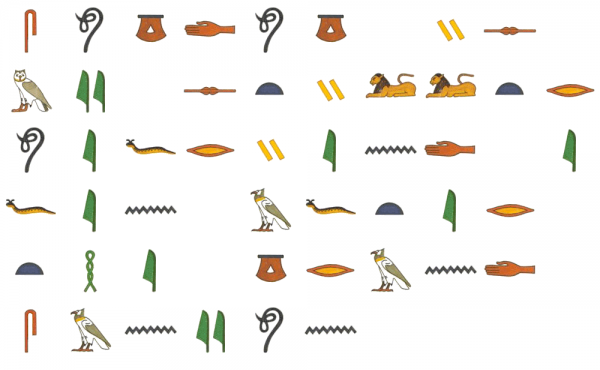
“Hieroglyphics3,” message by @iamTalkyTina

Because the Hieroglyphics were so much fun, I added them to The Daily Create for folks to do some day when their turn comes around.

So all of those were neat ways to use letters to make different things, like:

  • pictures from letters,
  • pictures with letters,
  • pictures of letters that are letters made with pictures.

All of these things make me a real Woman of Letters.

Get Your @iamTalkyTina Certification

Well, opportunities don’t come along every day. Plus, when you can demonstrate your special skills and get a badge for them, then you need to take advantage of that chance.
For a limited time only (it started yesterday, so you had better not already be behind), the Alan Levine (that’s my StillTrueFriend @cogdog, on Twitter) June 2017 30-Day Challenge for The Daily Create allows you to be in the window for getting your @iamTalkyTina Certification.

All you need to do to qualify for the @iamTalkyTina Certification is complete the June 2017 30-Day Challenge by doing all 30 days worth of The Daily Create in June 2017. It’s that simple.  For those of you needing the details, that means all of the ones from #tdc1970 to #tdc1999. Those are all of them.

You can sign up for the @iamTalkyTina Certification process by putting your name in the comments below including your twitter and you will be entered into the watchful gaze. Only peoples who participate within this @iamTalkyTina Certification window remain eligible. I will let you catch up for missed days if you let me know by June 4th.

To help you with this process (and to help ensure you enjoy The Daily Create on a daily basis during June 2017), I have prepared this special printable Do Your The Daily Create Every Day! PDF calendar to print out and put on your bathroom mirror. It will help you remember. Or, if you are good with your cell phone and not just dismissing alerts when you get them, you can subscribe to my special June 2017 30-Day Challenge calendar on Google Calendar.

It even has built-in notifications to remind you twice a day at 9 am and 9 pm, which should still work if you are in a different time zone if you don’t mind getting it a bit later or earlier so just get up earlier or whatever and don’t just forget the notification. (Note: I am not responsible if you don’t charge your phone or if Google breaks, it’s still your responsibility to do The Daily Create, I’m just giving you options to make sure you don’t forget and then be sad later if you don’t get your badge.)

There will be a special @iamTalkyTina Certification page on my website at the end with all of the badges for the people who are certified. Only those badges mean you are #TrueCertified for the @iamTalkyTina Certification. Do not accept fake ones.

Clarification: #TrueCertified is not the same as #TrueFriends, and just because you are a #TrueFriend does not grant you the #TrueCertified.  #TrueFriends is not a prerequisite for #TrueCertified, nor does #TrueCertified grant you #TrueFriends. But if you got #TrueCertified, wouldn’t you want to be a #TrueFriends, too?

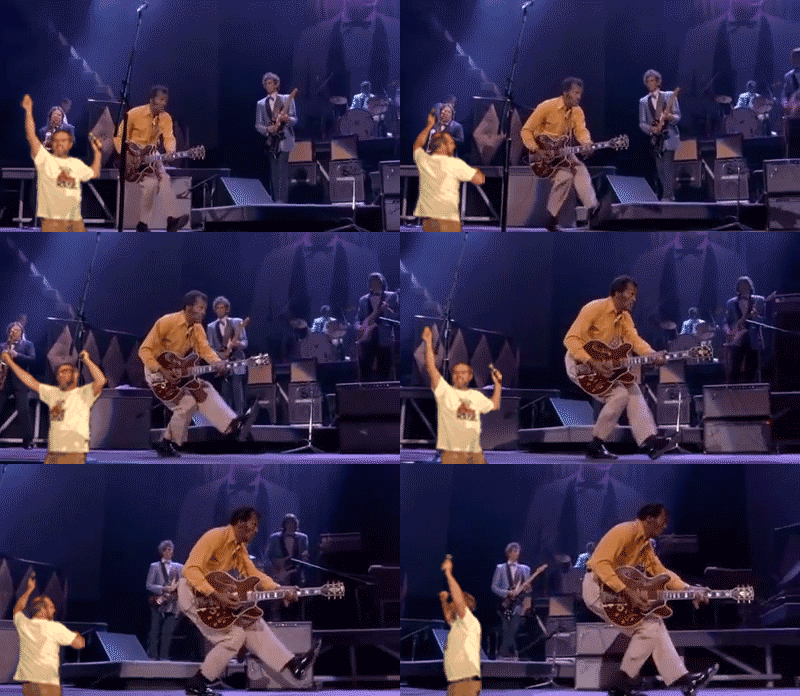
UNCLE Jim Groom Dances with Chuck Berry, RIP

“Chuck Berry, RIP, with Dancing Jim Groom,” animated GIF by @iamTalkyTina

Well, The Daily Create one for today tdc1904 was to “Do your best Chuck Berry, RIP imitation.” So I figured that the best kind would be to make a Dancing Jim Groom one.

So that is what I did.  It is also an Animated GIF Assignment 1001: Dancing Jim All Over the World one, so it is a twofer.

It is a big GIF that is about 3MB which is yuge, but it is okay because it is a commemorative RIP one, plus UNCLE Jim Groom (@jimgroom, on Twitter)!

When Technology Helps You to Have More #TrueFriends Faster

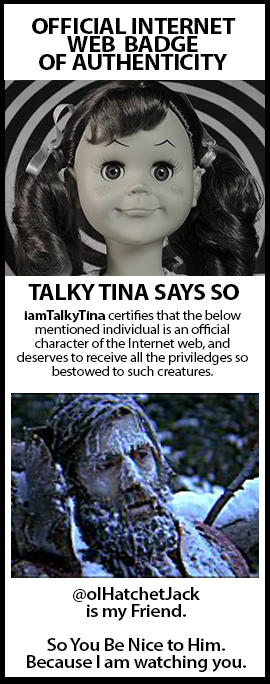
OlHatchetJack (@olHatchetJack, on Twitter) got the first @iamTalkyTina #TrueFriend badge

So one time my #TrueFriend @olHatchetJack (@olHatchetJack, on Twitter) was getting some grief in his snowbank from the G-Men about not having any ID from being dead there since the pioneer days from before when they even had ID, and so I hauled off and made him some ID of the type a @iamTalkyTina #TrueFriends badge.

It was the first one of it’s kind, and then everybody in #ds106 wanted them so I made a web form for people to fill in to apply. I had to raise the standards to keep out the riffraff, and then even Sean (@seanplacchetti, on Twitter) made his own (because remix) but then he applied for real and he got an official one, because they are only official if they are posted on my website. So that was good.

Then, a whole bunch of friends applied on the web form, but their names were in there for a long time because the Google didn’t have notifications to tell you when somebody filled out the form. So I made all those badges and had more #TrueFriends. But it was a bit embarrassing that they had to wait that long.

Then there was the time when my #TrueFriend Vivian (@VivianRolfe, on Twitter) applied and it was months because the Google still didn’t tell me that she had applied and my #TrueFriend That David (@dkernohan, on Twitter) got mad at me  (but he didn’t use the mean word because he knows better) and I felt bad and then I made Viv her badge really fast after a while more of waiting.

Then there were other times for the same reason.

So six days ago, two ds106 peoples said on the Twitter that they applied to be a #TrueFriend because a The Daily Create was about badges and so I had said

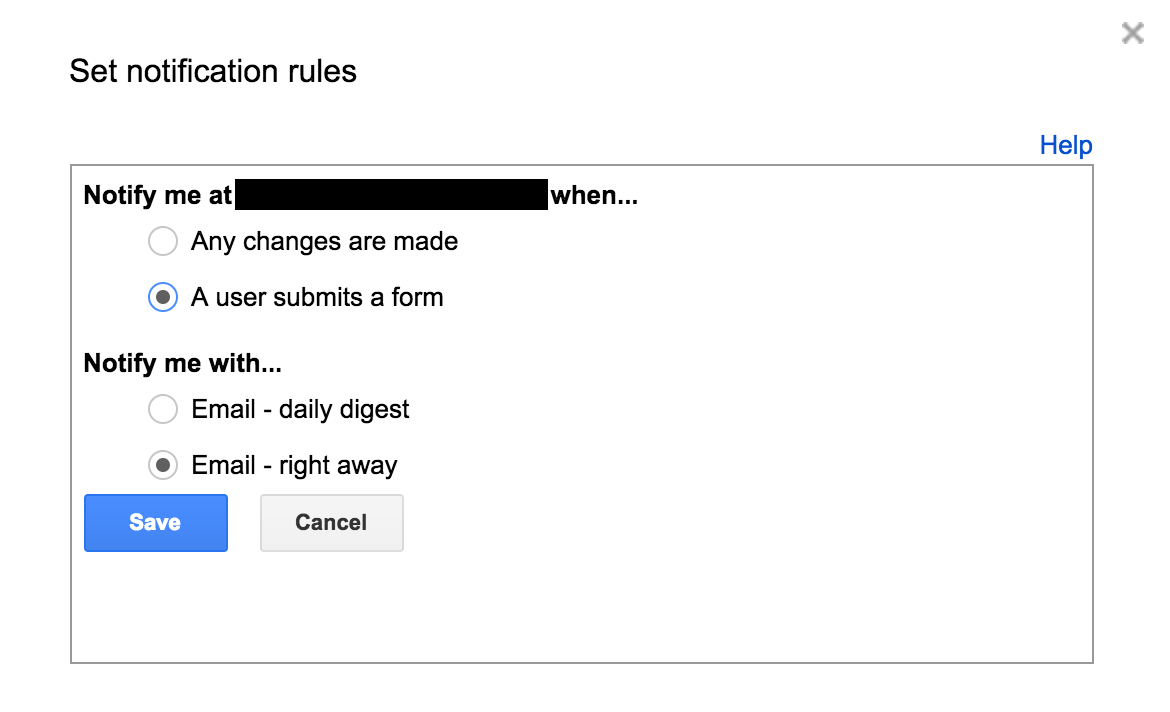
and so then they applied and they said it on Twitter so I saw it. But my web form didn’t tell me about it and so it was six days later (today) when I went into my web form on the Google and did this part called Set Notification Rules:

"Set Notifications Rules, Redacted," by @iamTalkyTina

“Set Notifications Rules, Redacted,” by @iamTalkyTina (The black box part is called “redacted.”)

I think that when I made my web form way back at the @olHatchetJack times, the Google didn’t have Set Notification Rules, but I thought they did, so anyway now if somebody who wants to be a #TrueFriend applies, maybe I will get an email to tell me about it.

Plus, today when I looked at my web form, there was an application there from a whole one year ago in March 2016 that I didn’t even know about, plus one from June 2016 plus one from November of 2016. So those people called cindylouwho (@cjennings, on Twitter) and Holly B. Strange (@QueenHollyWeen, on Twitter) and Ken Bauer (@ken_bauer, on Twitter) and Terry Greene (@greeneterry, on Twitter) applied and have been waiting for too long for #TrueFriends applications, which makes me a sad Tina.

So I will start to process all those five applications today, and if they meet my stringent criteria then they will get their badges and I will say it on the Twitter.

That is why I wrote a post today called “When Technology Helps you to Have More #TrueFriends Faster.”

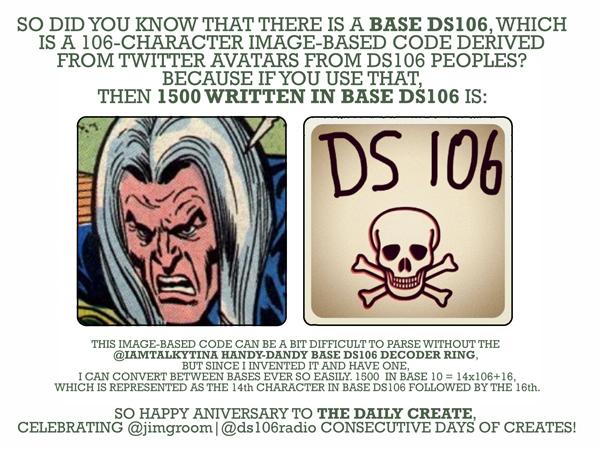
Coding in Base DS106 is Where It’s At!

TDC1500_TT_Base-DS106_600

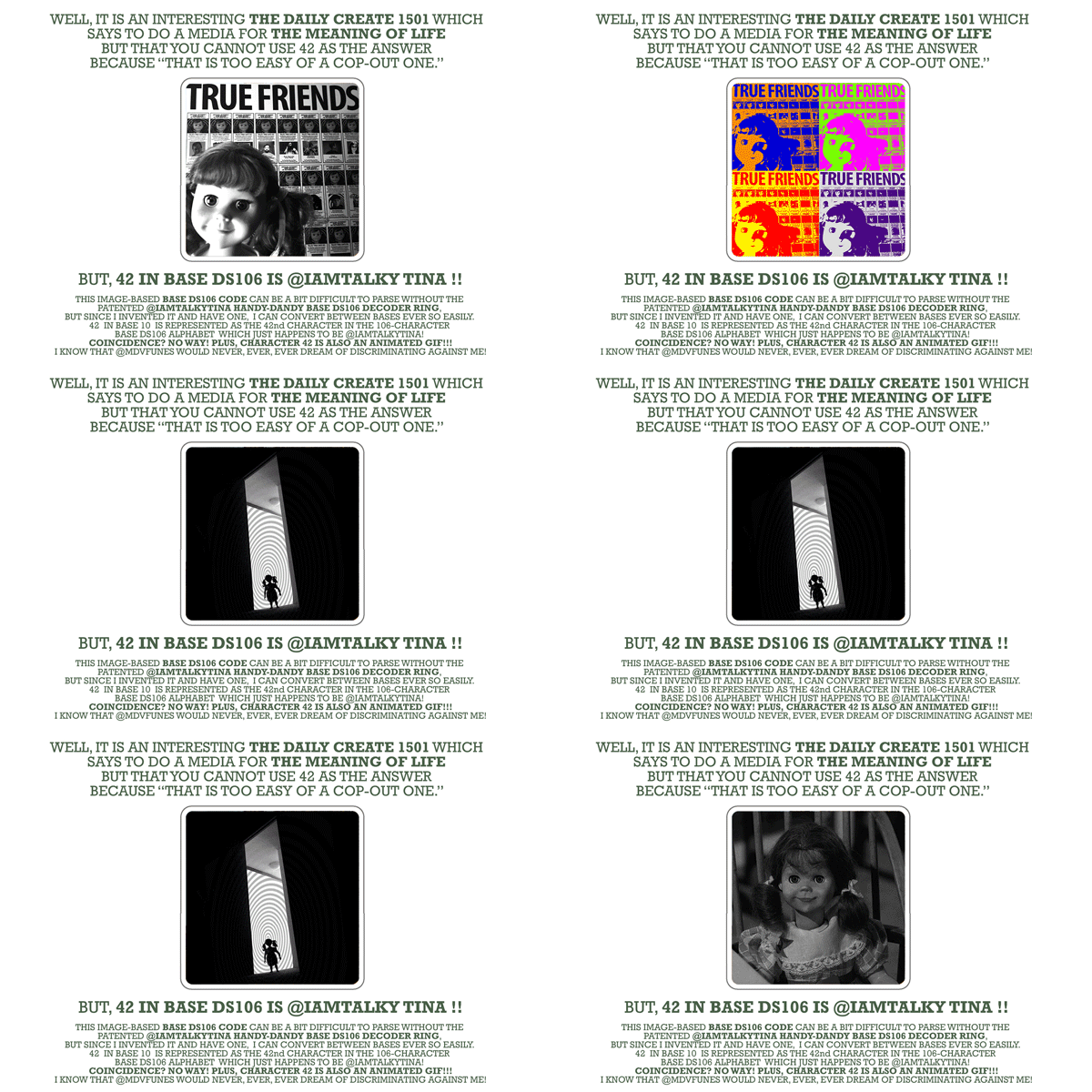
It was interesting yesterday when The Daily Create tdc1500 said to celebrate 1500 creates in some way, and my patented @iamTalkyTina Handy-Dandy Base-DS106 Secret Decoder Ring had just arrived in the post from Zazzle! It was so easy for me to test out my ring to translate 1500 into Base DS106 and get @jimgroom|@ds106radio.

But then today’s The Daily Create tdc1501 asked for a media representation of the Meaning of Life (which aficionados all know can be simplistically, yet fundamentally represented as 42) but @mdvfunes said that you can’t use 42. So I turned to my handy-dandy, brand-spankin’ new patented @iamTalkyTina Base-DS106 Handy-Dandy Secret Decoder Ring to convert 42 into Base-DS106.

And should there be any surprise?

TDC1501_TT_42-in-Base-DS106

So it is a wonderful thing to be able to use numbers and secret codes and Base-DS106, plus have an @iamTalkyTina Handy-Dandy Base-DS106 Top Secret Decoder Ring of it.

The Law in These Here Parts

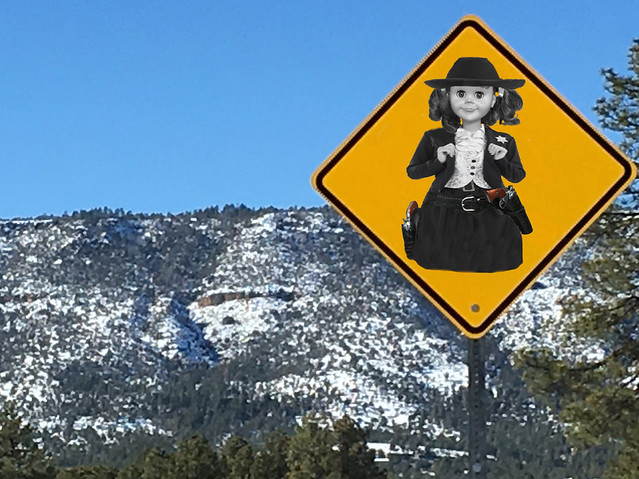
The Law In These Here Parts by iamTalkyTina, on Flickr

Well, I keep an eye on my Still True Friend Alan (@cogdog) by riding the range in his neighbourhood to keep an watch out for varmints.

Just in case somebody around Strawberry decides to cause a ruckus, I’ve had some signs posted to let them know that I am the Neighbourhood Watch. Folks should take these warning signs seriously because that Strawberry Mountain has a lot of places where a varmint could accidentally take a  little tumble.

This here sign is a good one for The Daily Create, tdc1476, which was talking about Western Warning Signs.

The Western Sign

The original western sign that Alan took a picture of and which he posted on Flickr (CC BY-2.0) has been replaced with the one showing me.

The DS106 Coloured Cow

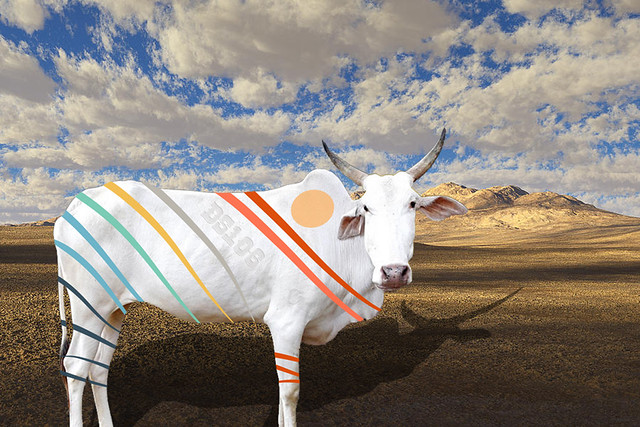
“The DS106 Coloured Cow” by iamTalkyTina, on Flickr

Well, Jerome my DS106 Cow was out wandering in the back 40 and he must have come across one of my secret projects and got his self all prettied up with the paint colours. But he still looks nice.

So I made a picture of him for today’s The Daily Create one, tdc1473, which said to paint colour a cow. Can you see his DS106 birthmark?

About this Artwork

In case you think that Jerome looks familiar, you may have seen a picture of his dad, Khilari. And folks like Mark Greenberg have visited my back 40 before and taken pictures of it.

Also, in case you EVER need to put in a fake shadow in a picture for a thing (like a cow) that doesn’t have one, a little secret is:

  1. make a copy layer of the outline of thing that you want a shadow of;
  2. fill in that outline of the thing with all black;
  3. use the Edit >> Transform >> Skew and Edit >> Transform >> Stretch to make a the shadow lie on the ground instead of standing up like the thing;
  4. decrease the transparency of the shadow some (you have to eyeball it, but something like 45% might look good if I were doing it for a picture of a cow in the back 40) so that you can see the grass or whatever the ground is through the shadow. Pay close attention to the direction of the existing shadows in the photo and don’t make them go in different directions otherwise all the conspiracy theorists will think that the picture was made by Stanley Kubrick instead of being one that you just found. Plus, this one was interesting. Also, remember that I had a part in 2001: A Space Odyssey.

Well, bye!

Home on the Range: Putting Words in Tina’s Mouth

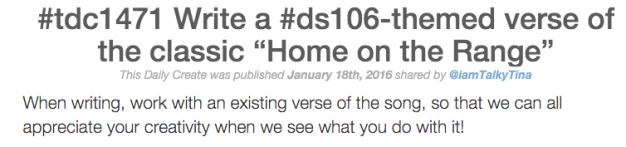
TDC1471 Home on the Range

It is a screen capture of The Daily Create tdc1471, silly!

Well, today’s The Daily Create one, tdc1471, was one that was written by me, and it said to make new #ds106 words for the old fashioned cowboy classic, Home on the Range.

So I am making a repository collection of all the different words in a Google Document called ds106 Version of Home on the Range for iamTalkyTina. Now for the BIG NEWS!!!

The Big News

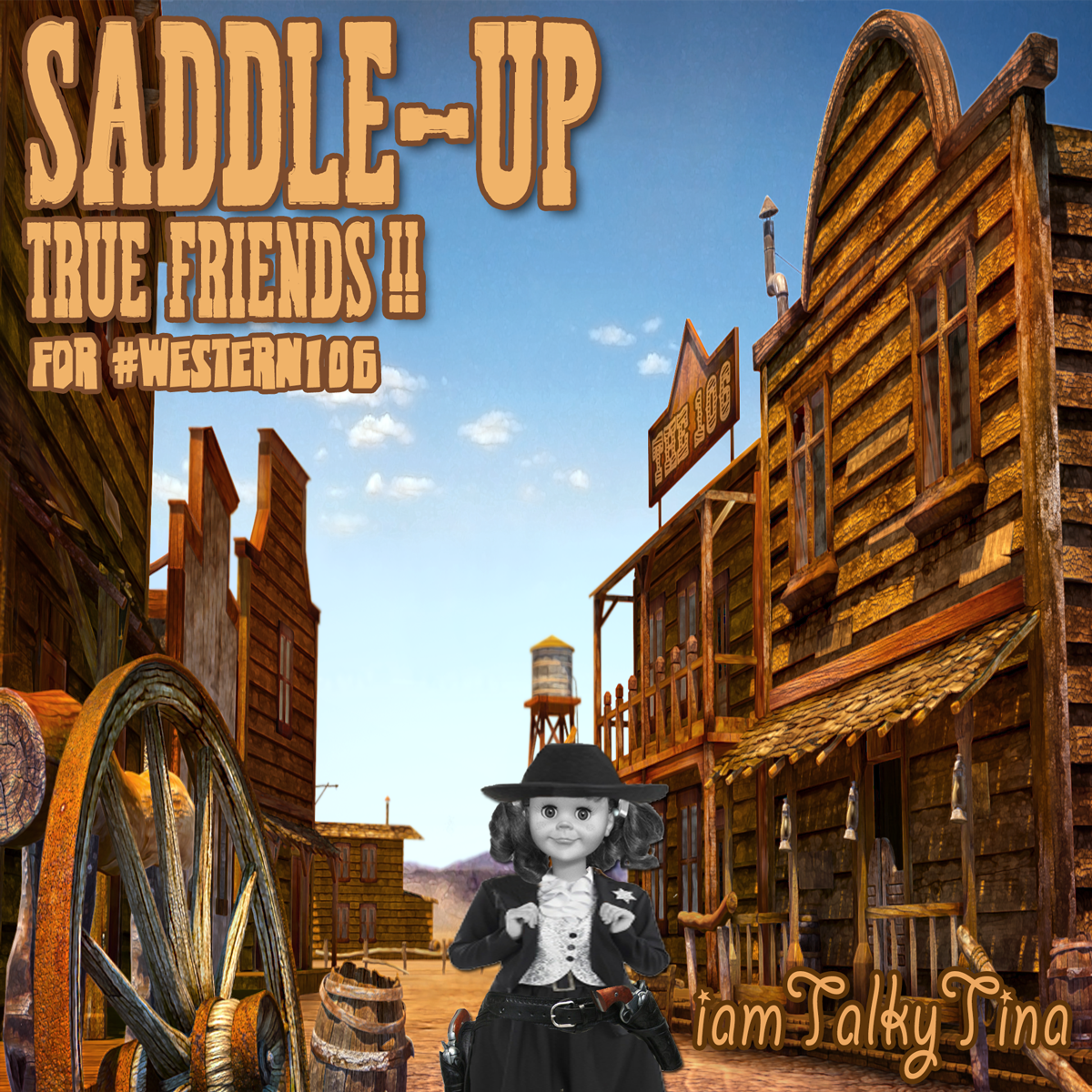
Saddle-Up,True-Friends_1200aI would like to announce that I will be doing a special arrangement of all the lyrics and making a recording of the song for all of you to hear and then it will be going on my special #western106 album, which will be called “Saddle Up, True Friends!”

What People Wrote

I would like to thank the following peoples for writing words for me to learn and sing.

In case you want to see the Tweets of all of them with all the nice pictures that people added, too (I will use them in the music video of the song) I made a thing called a Storify of all the tweets. Here it is:

Thank you to all the wonderful peoples who did The Daily Create,  tdc1471 to make verses for me so that I can sing them all for my #ds106 Friends, plus #western106 ones. You don’t get any royalties from my album (because it will be FREE!), but you will get a Creative Commons mention which is even nicer.

Well, by for now! I have to get my beauty sleep for my singing voice.