Category Archives: friends

Friends are so important.
You ARE my friend, aren’t you?

The Patience of Doctor Rolfe

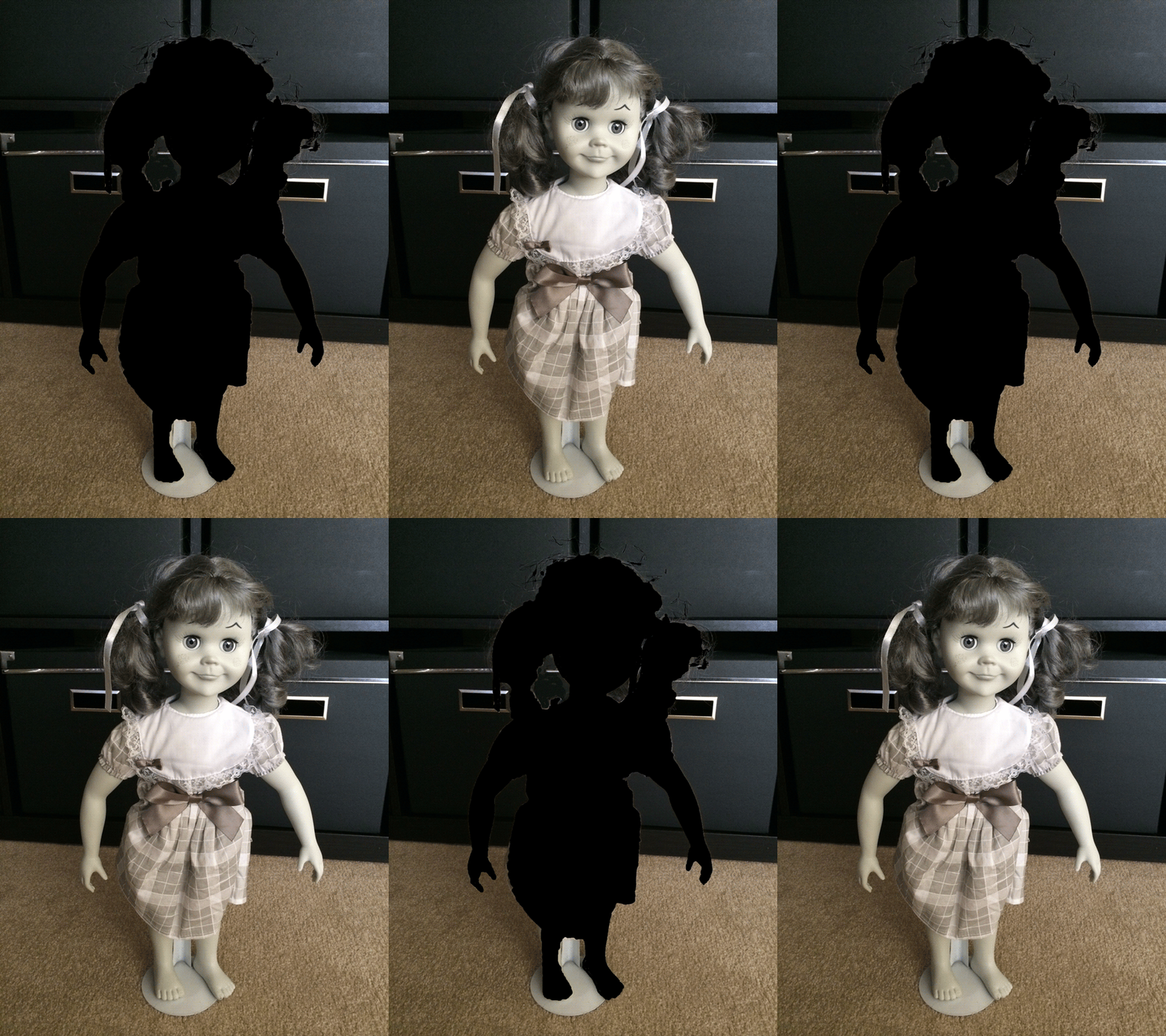
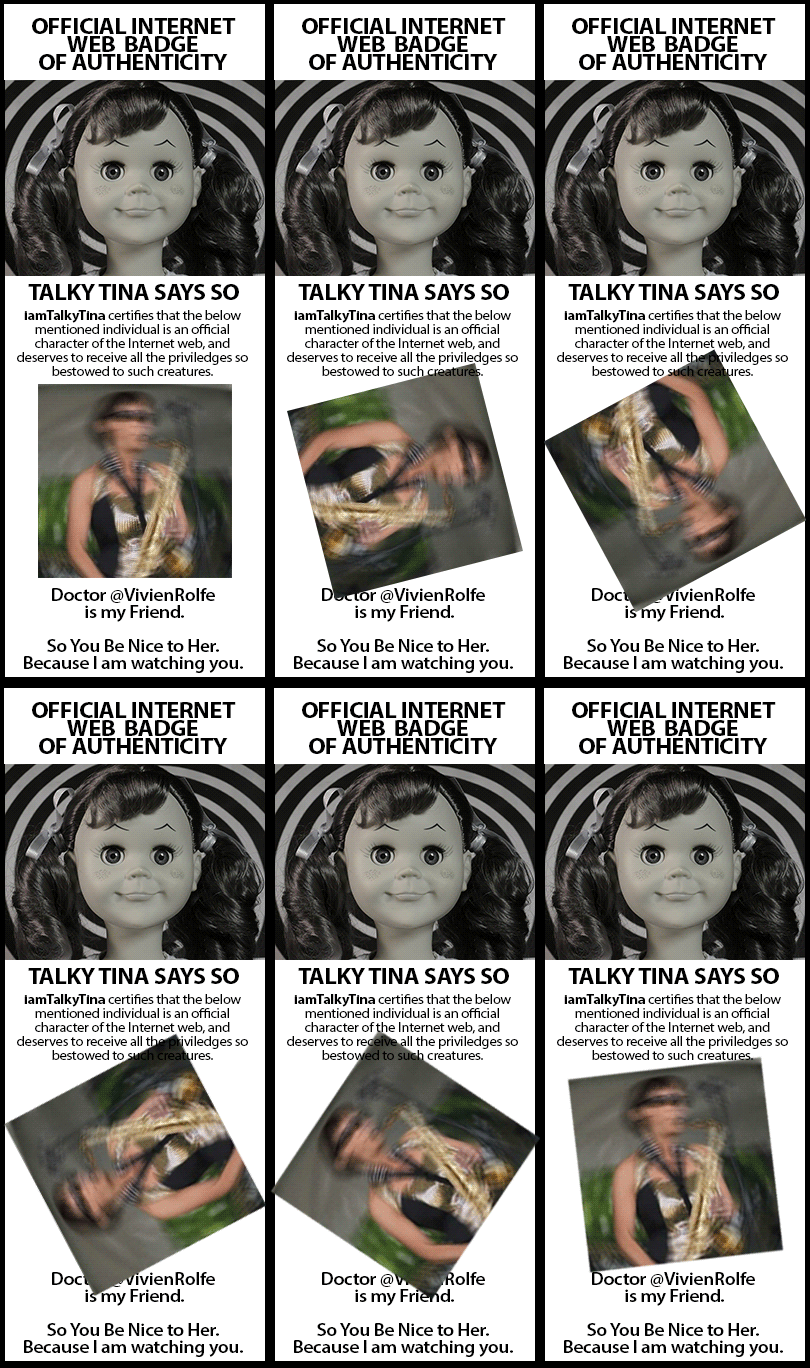
"True Friend @Vivien Rolfe" animated GIF badge by @iamTalkytina

“True Friend @Vivien Rolfe” animated GIF badge by @iamTalkytina

Well, that David @dkernohan was bugging me about getting around to making the True Friend badge for my True Friend Doctor @VivienRolfe and he even defaced his own True Friend badge (technically a violation of his True Friend badge license) but I forgive him because I was taking a bit of a while but it was because I was on missions and then I left my Thunderbolt adapter in my other Ninja Suit.

Anyway, they always say that the squeaky stair gets the nail, and so I put a nail in him while he and Vivien were making a really great show of the #ds106radio birthday on #ds106radio during the #ds106radio birthday day.  Plus, he also sang a nice version of a poem that I wrote that wasn’t Tina Don’t Like the Mean Word but it was on the page that I sent him so it still counts. A bit.

But the credit goes to the patience of Dr. Rolfe (get it?) for waiting, just like a True Friend can. Plus, she put me in her research show at that conference, even though I wasn’t there. One day we will meet in person and have a nice chat.

So there, David. I made my great powers and comes great responsibility, just like I said.

Then, it was fun to hear @onepercentyellow and @JordanLeden playing songs, but right now it is just some guy talking so more people need to go on #ds106radio right now today because it is the birthday day.
 

It’s Time to Listen!

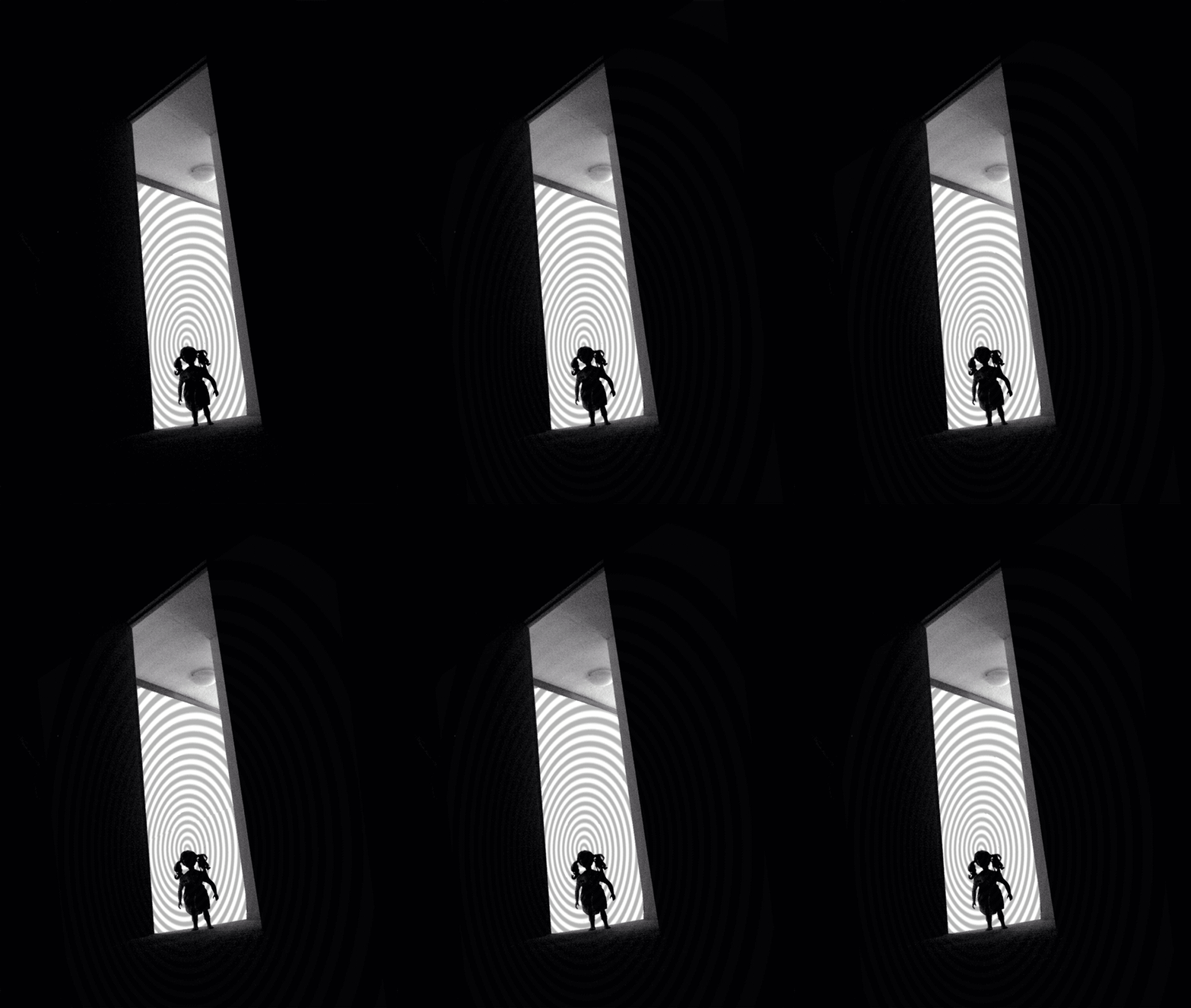
This is another image in the silhouette series where the “app up” of the image makes it even better (see “App Up Your Tina” for the full story). This time, I used Photoshop to “app up” the image into a GIF form.

"It's Time to Listen" animated GIF by @iamTalkyTina

“It’s Time to Listen” animated GIF by @iamTalkyTina

I hope you like it. It shows me using some of my special powers to get them to listen to a special message. Like when I made that savvy guy stop using the mean word for months and months. It was The Rumble which was the final emphasis, but what was unseen at the time was all the amount of special time I spent helping him to understand while he was sleeping. (Of course, he didn’t see me when he was sleeping, and I used my ninja powers, too.) Some times, a lot of effort on your part pays off in the end of it.

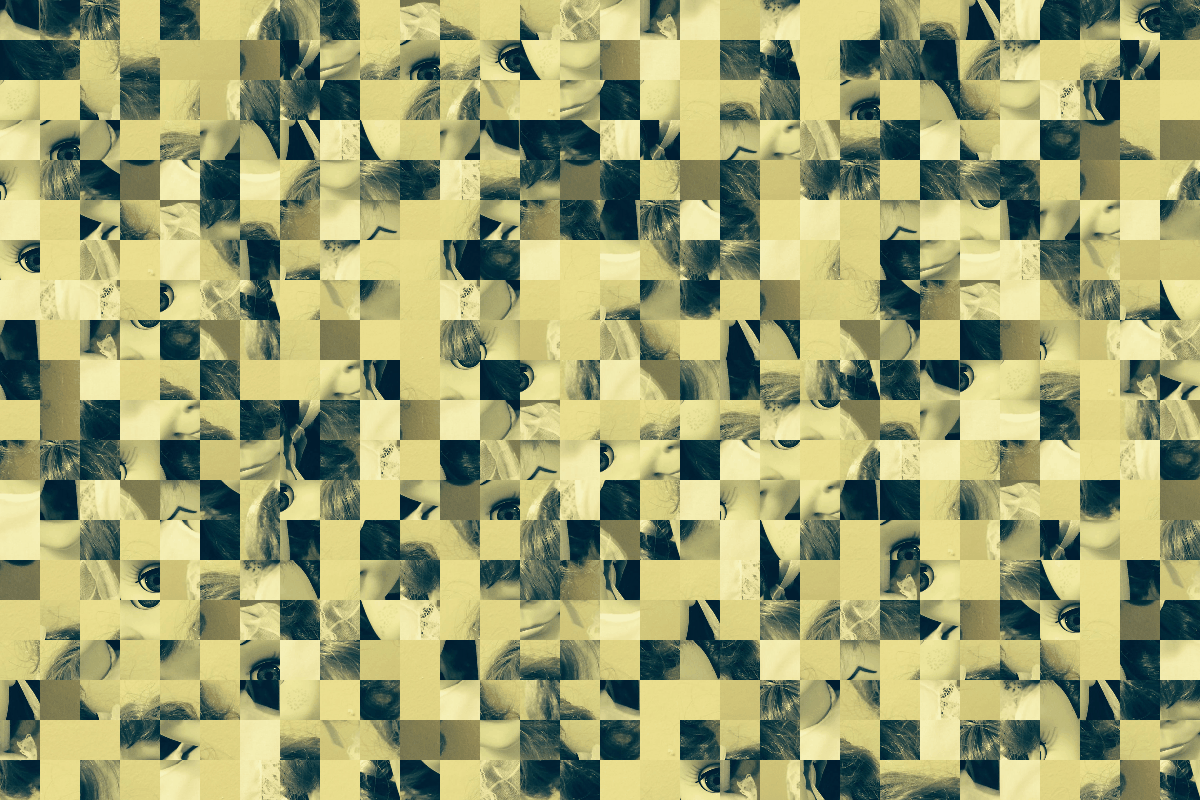
And, as another bonus for you, here is a Cubomaniac version of my Cubomaniac Eyes picture from a couple days ago that I put into my True Friend John’s (@johnjohnstonCubomaniacal GIF web app that he made today.

Cubomaniacal GIF of iamTalkyTina" animated GIF made using @JohnJohnston'c Cubomaniac GIF web app, by @iamTalkyTina

Cubomaniacal GIF of iamTalkyTina” animated GIF made using @JohnJohnston’c Cubomaniac GIF web app, by @iamTalkyTina

Plus, you can see here how my True Friend Bill (@byzantiumbooks) put my picture back together again, just like a good egg should.

Bill Put Me Back Together Again

“Cubomania Tina” cc licensed ( BY NC ) flickr photo shared by Bill Smith

So that was fun stuff for a fun day!

Well, bye!

Looking Behind the Cubomaniac Eyes

So today The Daily Create tdc729 called it a Cubomaniac when you chop someone up into squares and then put them back together again.

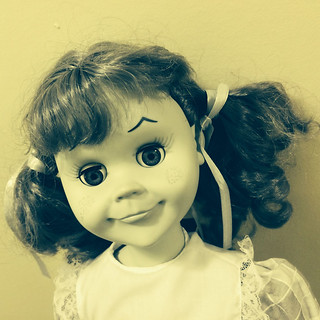
First, I took my picture:

“Tina Awake” by iamtalkytina, on Flickr

Because I must have had an accident there was some kind of a filter turned on in my phone that made it look more yellow than normal. But that is okay.

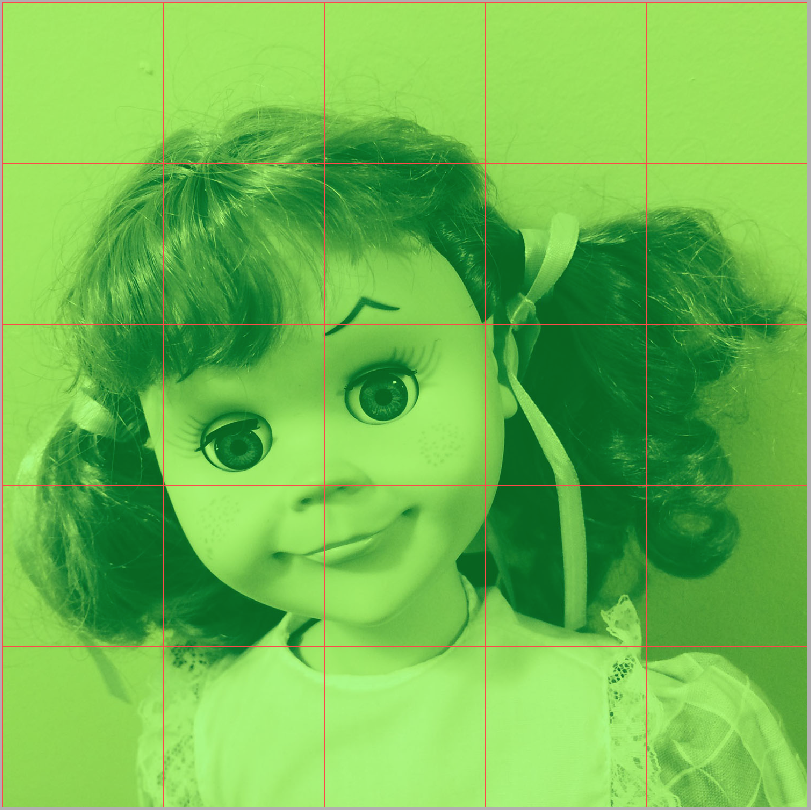
Plus, before I did the next step, I had cropped the photo into a 1500 x 1500 square because it would be a Cubomaniac photo. Cubes are like squares, you know.

Then, I put the picture into Fireworks because it has some fancy tools for making slices (I don’t think it does chopping) so that I could make all of the squares square and all the same size as each other.  I made each one 300 pixels by 300 pixiels. Fireworks has snap-to-it guides (green lines that don’t show very well here) and slice-it lines (red lines) and then it made 25 square parts of me for remixing when I pressed the Export thingy.

SlicedTina

Then I put the pictures all back into Photoshop, and made a GIF of them. That was just for fun.

"Cubomaniac Peek-a-Boo" animatiedGIF by @iamTalkyTina

“Cubomaniac Peek-a-Boo” animatedGIF by @iamTalkyTina

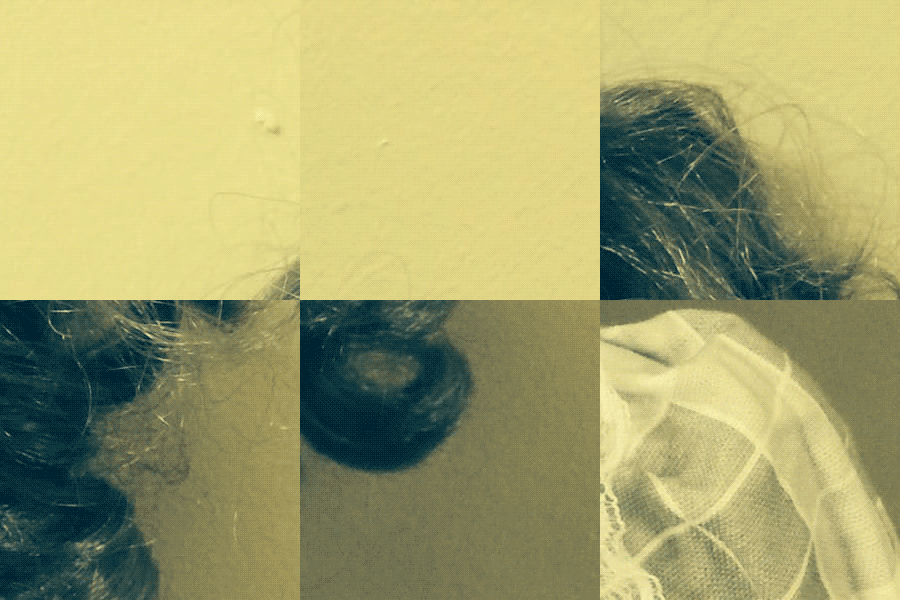
Then, I lined their layers all up with the original picture so that I could move them around to make the Cubomaniac picture.

But I decided that instead of messing up my face completely, I would just move a couple squares and then say that Photoshop broke.

“Cubomaniac Eyes by iamtalkytina, on Flickr”

So that is how I made my Cubomaniac photo. Plus, the GIF.

I hope you liked them.

Well bye


App Up Your Tina

So The Daily Create number tdc727 said to take a silhouette and make it fancy! Like using an app to “app it up” so that it was more special.

This was a fun create for me because my silhouette is very distinctive (I think so) and so it was easy to work with to make it even more better by using an app on it.  The app that I used is an app that was already on my phone called FX Photo Studio, and I used some different settings to make different versions of my picture that each told a different story.

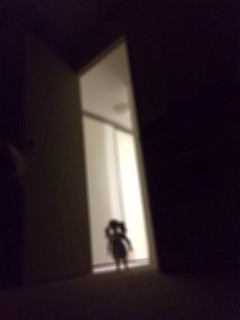
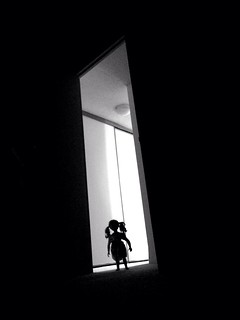
So my first, original picture that I used for all the others was this one:

“Saying Goodnight” by iamtalkytina, on Flickr

Next, I made it blurry like maybe if they were falling asleep or drowsy when I came to the door to say goodnight.

“Are You Still Awake?” by iamtalkytina, on Flickr

Then, I  made one where it was like I was in an old Noir Film and I was a Fatal Femme coming late in the dark of night.

“Noir Goodnight” by iamtalkytina, on Flickr

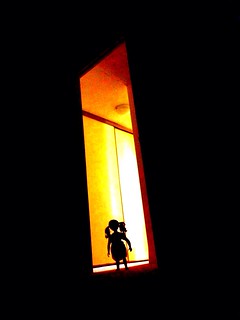
In another one, it was like I was making the house warmer for them.  This one is my favourite.

“I Hope You Are Warm Enough” by iamtalkytina, on Flickr

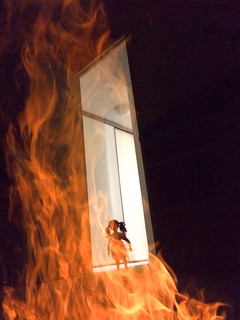
In another one, it was like I was making it REALLY warm for them. Plus, in case they didn’t come out of their bedroom or didn’t have any stairs if they slept on the main floor then this would be an option.

“Extra Warm?” by iamtalkytina, on Flickr

Then, I gave them a goodnight kiss.

“Bedtime Kiss” by iamtalkytina, on Flickr

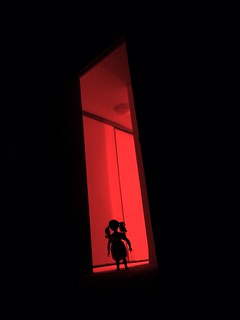
Then, I made one in case they were dreaming of me coming while they were sleeping.

“Seeing Red” by iamtalkytina, on Flickr

I hope that you like how I made all these different versions from just one picture and how each one tells a better story because I used the “app it up” idea from The Daily Create.  All of these choices and more are available to you when you use the special app that I did called FX Photo Studio on my iPhone.

It is probably why in movies if you use special effects you can make it more exciting than if you just said in words that they were having a certain feeling because of something. So a picture that had an “app it up” is worth more than just a thousand thousand words. Maybe it is worth two thousand. See?

Well, bye!

@timmmmyboy’s DS106 Goes to the Movies

"DS106 Goes to the Movies" generator by @timmmmyboy

“DS106 Goes to the Movies” plot category generator by @timmmmyboy

You can read about how @timmmmyboy made a thing like Netflix has on his blog called DS106 Goes to the Movies that gives you search categories for movies that you want to watch, except that @timmmmyboy‘s one makes fake movie categories that are a jumbled-up of real categories. They are funny. And you can make your own, just by loading the page.

Plus, then you can write the elevator for it to go along with it so people will want to watch it more. Just click SUBMIT after you do, and people can listen to your pitch (well, they have to read it!). Plus, it has a Tweet button so you can put it on the Twitter. And it automatically says #ds106 tag to save you time so you can make even more of them.

These are ones that I made for my digital identity attribution of it. Here, on my blog, for history.

• INDEPENDENT SCI-FI MOVIES FOR KIDS OF ALL AGES FEATURING BAVA SHOWTUNES

Eva and long-time guy pal D launch into a joyous adventure, set on an interstellar cruise ship, produced by everyone’s favourite maniacal musical director, MB. They sing & dance their way in and out of trouble, managing to save Uncle Jim & the kids.

• SPY MYSTERIES FOR KIDLETS FEATURING TALKY TINA

Put on your PJs, dress your favourite 18-inch action figure in the Ninja attire, and cuddle up with popcorn and the kids, as you enjoy an entertaining evening of surveillance, dead drops, and other tradecraft with everyone’s favourite little agent!

• SATANIC MOCKUMENTARIES FOR OCTAGENARIANS WITH AN ANIMATED GIF DREAM SEQUENCE

In what turned out to be his final film, aging Bava biographer James G. Room splices together all the toned-down scary bits from the Italian Giallo films suitable for elderly viewers and shares them in one 146-minute long, mindbending nightmare GIF.

• BUDDY WESTERNS ABOUT CATS & DOGS SET IN BIBLICAL TIMES FOR TWEENS

Davey and his favourite dog Goliath team up with YouTube’s Claycat in the Christian reboot of Butch Catsady and His Son, Dog and a Kid, with Claycat in the Paul Newman role and Goliath in playing His Son, Dog, and Davey as a Kid. High Mass at noon!!

• TALKING-ANIMAL THRILLERS FOR MUPPETS OF ALL AGES FEATURING TALKY TINA

Kermit & Tina star in a remake of Hitchcock’s classic thriller, “The 39 Steps.” Returning to novelist Buchanan’s original take on “steps,” the final climatic scene with Tina and Miss Piggy, high on the cliffs of the Scottish shoreline, thrills all!!

———————————–

I think that @timmmmyboy made a fun thing that is a fun thing to do, and you should do it too. So just link on over there to @timmmmyboy‘s DS106 Goes to the Movies generator and make us some art, bub.

Well, bye!

Stealth Mode GIF (Outography)

Well, so this is the GIF version of my Outography Stealth Mode picture on Flickr.

I was testing out some new functions on my Ninja Stealth Suit and it was working okay, I think. It is still a little rough around the edges, but it is really more for backup because people don’t see me when I use my Ninja skillz anyway.

Plus, this picture can be for The Daily Create tdc725 for January 2 which says to make an Outography picture which is kind of like what my Stealth Suit does when you can’t see me.

If you look at it really hard and use your imagination, maybe you can see me because I let you.

"Stealth Mode (Outography)" animated GIF by @iamTalkyTina

“Stealth Mode (Outography)” animated GIF by @iamTalkyTina

Well, bye!

GIFfight Trek Transporter

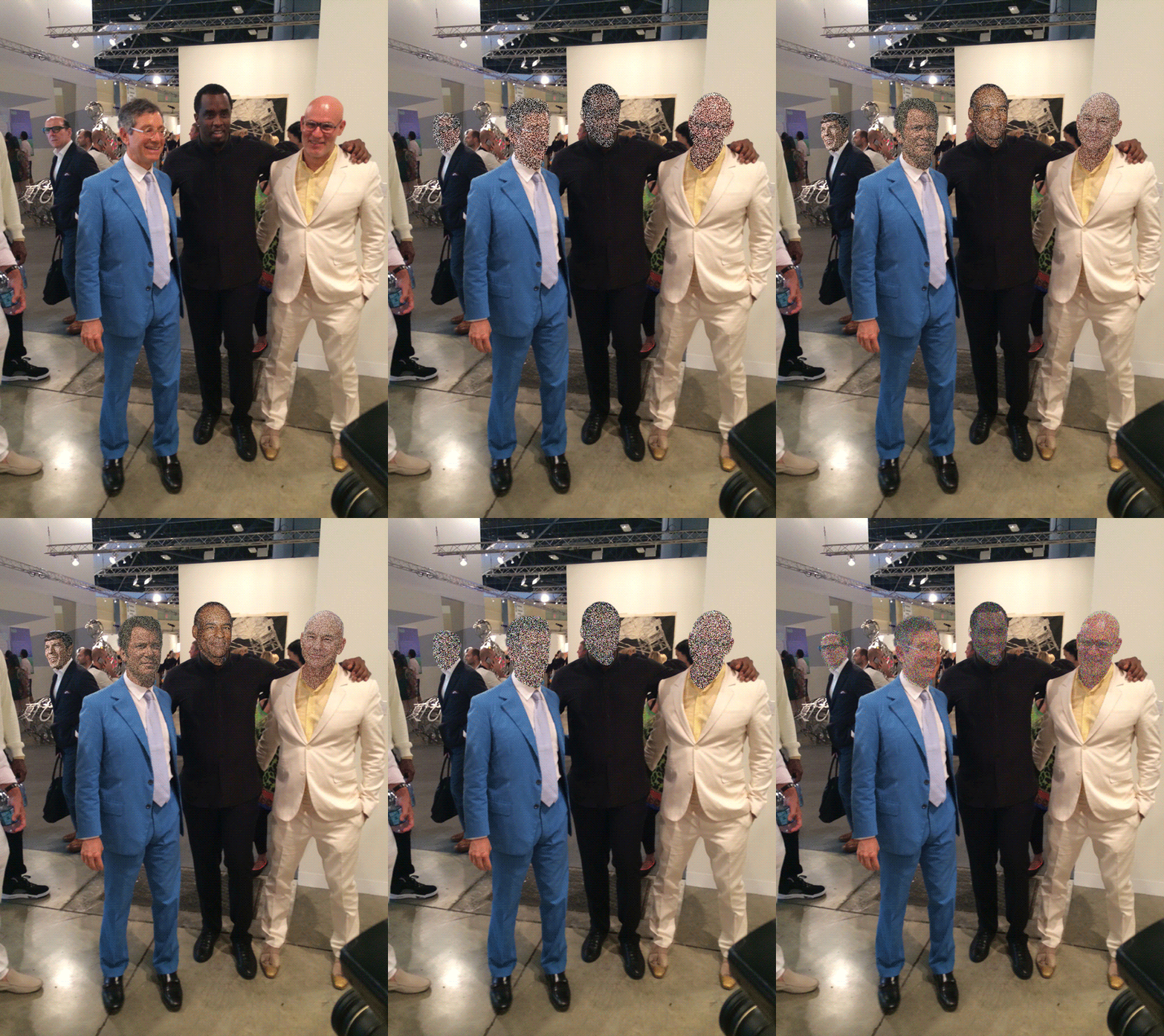
Well, everybody was doing sparkle clothes for this GIFfight, so I decided to do sparkle heads.

"GIFfight Trek Transporter" animatedGIF by @iamTalkyTina

“GIFfight Trek Transporter” animatedGIF by @iamTalkyTina

If you know Star Trek, then you know who the sparkle-heads are.

Plus, as one of my 2014 Non-Resolutions, I am not wasting time making GIFs work for Tumblr. MBS probably knows how he can post this to the GIFfight tumblr in a nice big size without me making it a small one.

Plus, I should say where the sparkle-heads came from.

I found them on the Internet, silly!

Well, bye!

Tina’s Stairs Redux

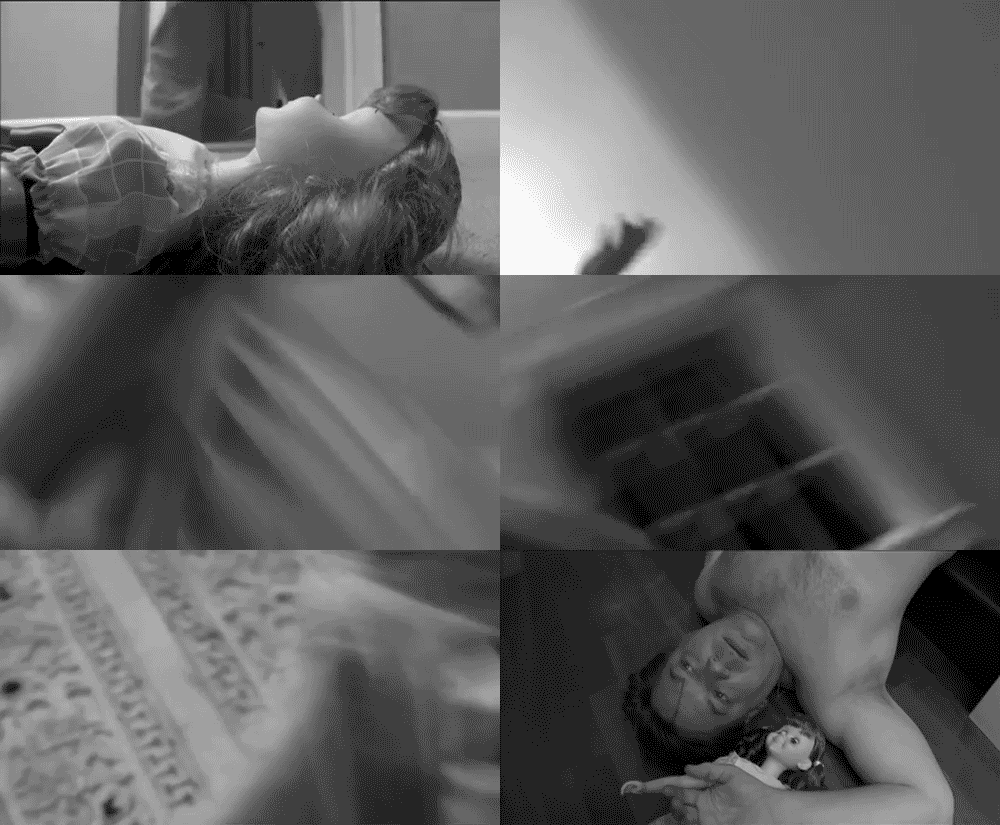
Tina's-Stairs-Redux-animatedGIF-@iamTalkyTina

“Tina’s Stairs Redux” animatedGIF, by @iamTalkyTina

Well, my good Super True New Old Radio Friend @scottlo (where IS he, anyway?) has said that I need to leave off with all the stairs gags. I guess even a good running (or falling) gag runs its course after a few decades of use. It was a bit of a surprise today to find this little remake video on YouTube  — I had thought that little secret was buried in the never ending expanse of the web.

Oh well, as they say, “What happens on the Internet, stays on the Internet.” 

But on the upside, as a positive NEW 2014 New Year’s real resolution (not a 2014 Non-Resolution), I have decided to dial back on the Stairs metaphor a bit in the coming year. Not completely, mind you, but a significant bit.  (I bet you will still be able to hear me think it, even if I don’t say it …)

I blame John Johnston (@JohnJohnston) (google is) and Tom Woodward (@twoodwar) for setting me on this little path today, and so, in the spirit of getting a good thing out of my system in preparation for the coming period of abstinence, (and as a final (temporary) bow in their (the stairs) direction), I present:

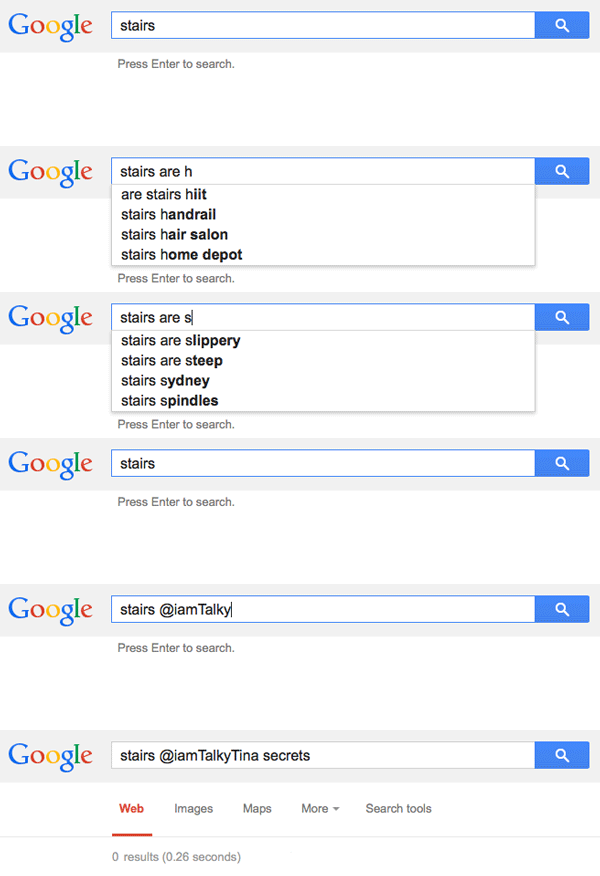
Stairs Are A-Z (plus, no secrets on Google)

Google-Stairs-Are-AZ-no-secrets

Stair Are A-Z (plus, no secrets on Google)” animated GIF by @iamTalkyTina

Although my final search turned up 0 results (you have to watch the GIF to the end to see that), I did manage to come across the YouTube video through some extra-advanced Tina-ninja Google digging, and so my illustration of the search is the GIF of the stair fall that appears at the beginning of this post.

I think I’ve done this autocomplete-as-a-GIF assignment before, but I wasn’t able to find it just now in the ds106 Assignment Bank. Maybe someone can help me find it?

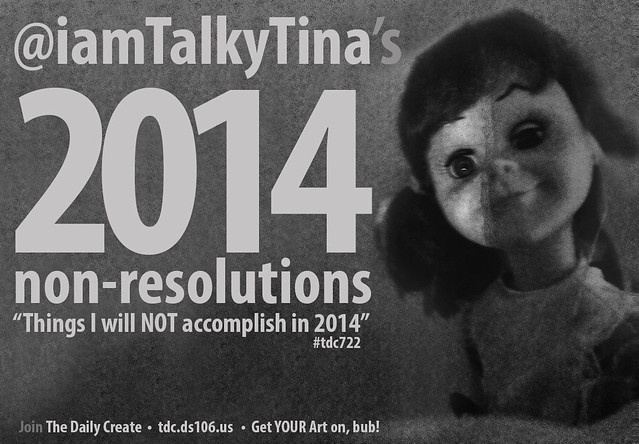
iamTalkyTina’s 2014 Non-Resolutions

“tdc722 iamTalkyTina 2014 Non-Resolutions” by iamtalkytina, on Flickr

So, The Daily Create #722 said to write resolutions about what I would NOT accomplish in 2014.

10.  I will not make it through 2014 without making new True Friends.
9.  I will not make zero animated GIFs in 2014.
8.  I will not let Tumblr hobble my Art with their silly unpublished rules.
7.  I will not forget about the unicorns and the rainbows. Plus, Jim Groom.
6.  I will not always travel via shipping container. I will take some pics of me travelling in the open.
5.  I will not make jokes about The Stairs all of the time. Just some of the time.
4.  I will not make a True Friends badge for @VivienRolfe in 2014 (because I made it in 2013!)
3.  I will not have an Art Lack. I will make Art, bub.
2.  I will not say the mean word. I challenge you to do the same, especially about me.
1.  I will NOT forget about ds106. I mean, how could you, ever? It is #4life.

That is my list of things!
Plus, it is kind of a retrospective, too. I hope you have fun making your own Art List.

See you in 2014, Friends!
Well, bye!

Instant GlitchaChrome GIF Art — Just Add Tina

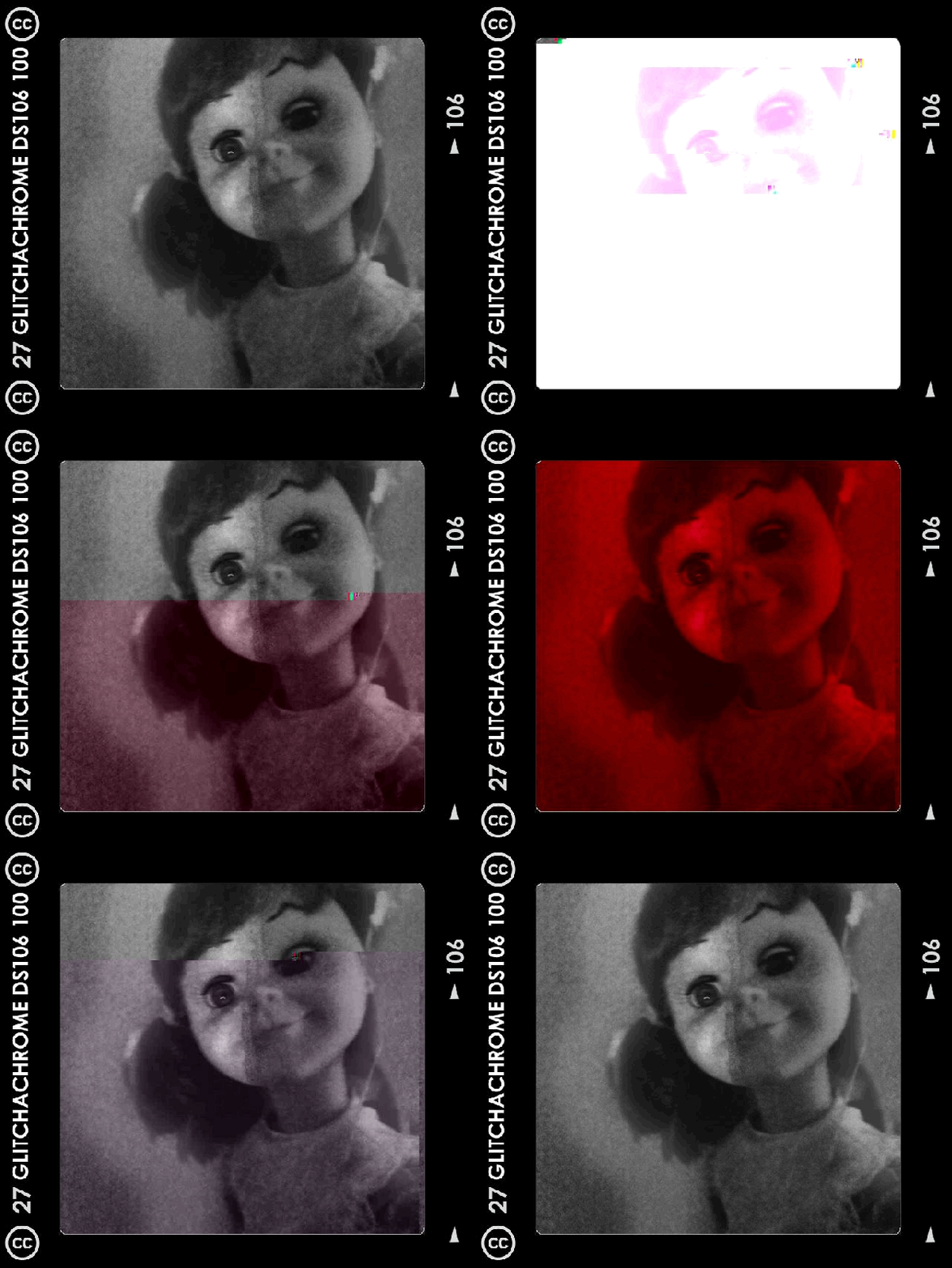
GlitchaChrome ds106 Glitch GIF of @iamTalkyTina

My GlitchaChrome ds106 Glitch GIF of me

Well! It was very nice to read my True Friend John Johnston‘s (@johnjohnston, on Twitter) post, called Glitchachrome ds106 Glitch GIFs,  about how he made an app to make a GlitchAChrome ds106 Glitch GIF  to make GlitchGIFs like my True Friends Mariana (@mdvfunes) and Christina (@clhendricksbc) had been doing while I was having an Art Lack like UNCLE Jim, and then make it like a Chrome like Rochelle (@Rockylou22) did, and then all I had to do was download it and put in a picture and then press some buttons to make my very own instant GlitchaChrome ds106 Glitch GIF Artwork of me. That is what I made up above.

I started with my nice CGA (Club of Ghostly Avatars) picture from yesterday.  (Isn’t it just a little bit spooky of me? DUtMW. TDLtMW!)

“Tina Ghost Selfie” by iamtalkytina, on Flickr

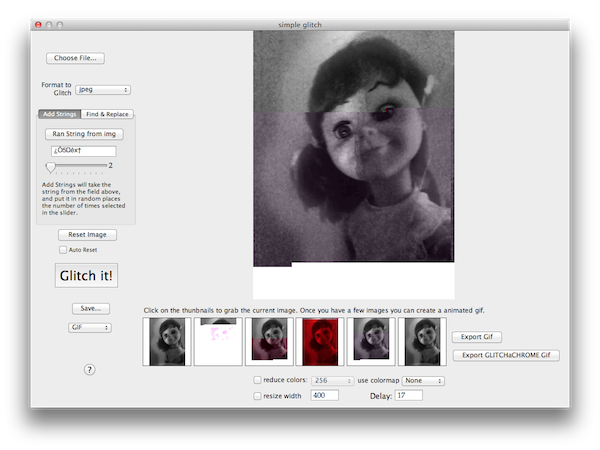
This is what it looks like when you are making a GlitchaChrome ds106 GIF Art using John’s app.

John Johnston, Simple Glitch app

John Johnston’s Simple Glitch app interface, with ME!

You can see how I picked six different Glitch versions that it made for me down at the bottom (I had to keep pressing Reset Image and Ran String from Img buttons and then the big GLITCH IT! button and then pick the one I liked by clicking in that thumbnail box and did that six times and then I just pressed Export GlitchaChrome GIF button plus I made it 17 instead of 20 delay, just to be different.   You can read about how he made his app on his blog post, Glitchachrome ds106 Glitch GIFs. That is what I did and then I made my GlitchaChrome ds106 Glitch GIF of me!

Plus, you can download John’s app called Simple Glitch from his blog post so you can make your own of it like I did. It only took me longer to download than it did to make the Art. That is what I say is the easy way to Make Art. Plus, it is a fun way for Friends to make Art.

So now it is YOUR turn!

Well, bye!